- No-cooling and no-heat requests
- System repair inquiries
- Replacement estimate requests
- Maintenance and indoor-air questions
HomeHVAC
Lead conversion for HVAC contractors
Turn missed HVAC calls into qualified next steps.
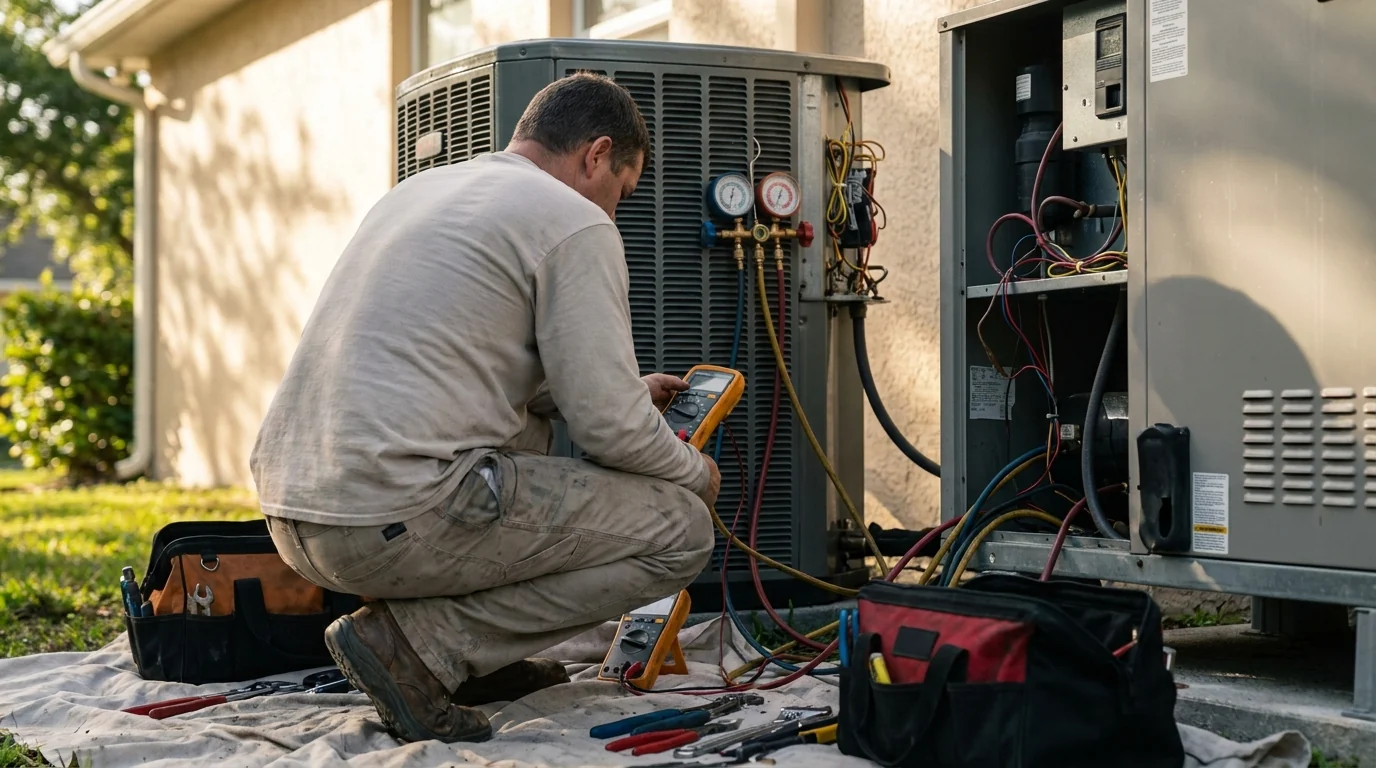
A no-cooling call and a replacement estimate need different next steps. Gather the reported issue, service area, contact details, and preferred timing while your HVAC team stays focused on the job.
The short answer
What does CallBack Engine do for hvac companies?
When missed-call texting is enabled and approved, CallBack Engine can start with a consent-aware SMS, gather the issue, service area, email, and preferred callback timing, and move the opportunity into Manual Scheduling or an optional Google Calendar path.
Trade-specific intake
Separate a repair request from a replacement estimate.
Keep the homeowner's heating or cooling concern with the inquiry. Your approved rules distinguish repair, maintenance and replacement requests so the office can review the right next step without treating every call as a sales appointment.
- Issue or service request
- City and approved service area
- Customer email and phone
- Preferred callback timing
Repair, replacement, and consultation requests can follow different approved rules, so qualified homeowners reach the correct estimate or service path without creating scheduling conflicts.
Manual Scheduling is complete. Google Calendar is optional.
Map your workflowWorking fit
Your HVAC team makes the service decision.
A reported no-heat or no-cooling problem stays visible in the handoff. CallBack Engine does not diagnose equipment or decide which technician to dispatch. Your team controls urgency, capacity and the final service or estimate appointment.
HVAC questions
Practical answers before you change your lead flow.
Can repair and replacement inquiries follow different rules?
Yes, when the business has approved and configured those questions and qualification rules. The response record captures what the customer reports; your team keeps the final service and dispatch decision.
Does it replace our HVAC dispatch software or CRM?
No. CallBack Engine handles the approved response, qualification, and handoff path alongside the systems and people your team already uses.
What happens with an urgent no-cooling or no-heat inquiry?
The issue description stays with the response record and is checked against the approved rules. The workflow does not diagnose the problem or make dispatch decisions for your team.
Can replacement estimates follow a separate scheduling path?
Yes. Approved job types can be routed to different teams or handoff steps. Manual Scheduling is complete, and Google Calendar is optional.
From the field guides
Practical reading for your office.
See the gap clearly
Find out where your hvac leads slow down or disappear.
We will map each source, response rule, qualification step, and scheduling path before recommending a launch.
Get startedPrefer to diagnose the process first? Take the free Lead Response Assessment.
Prefer a conversation? Request a callback.